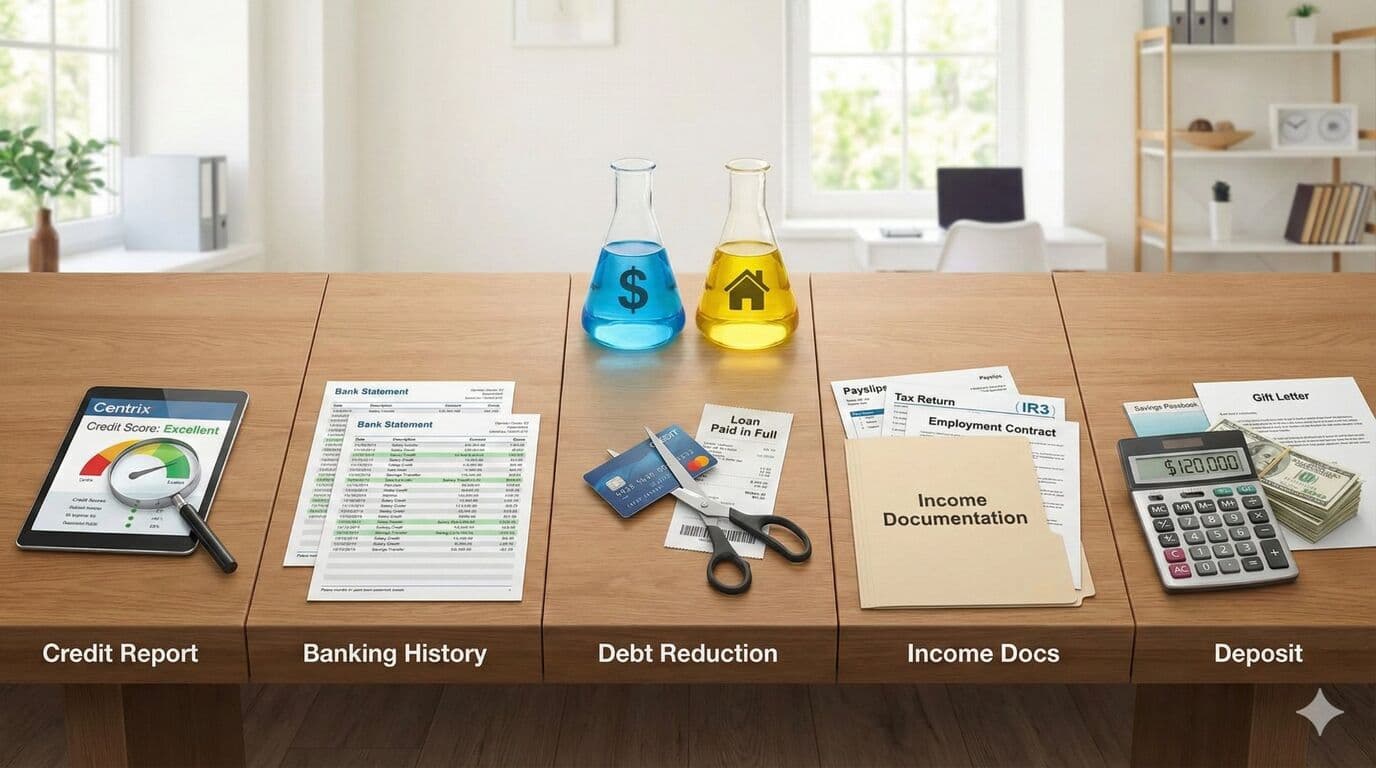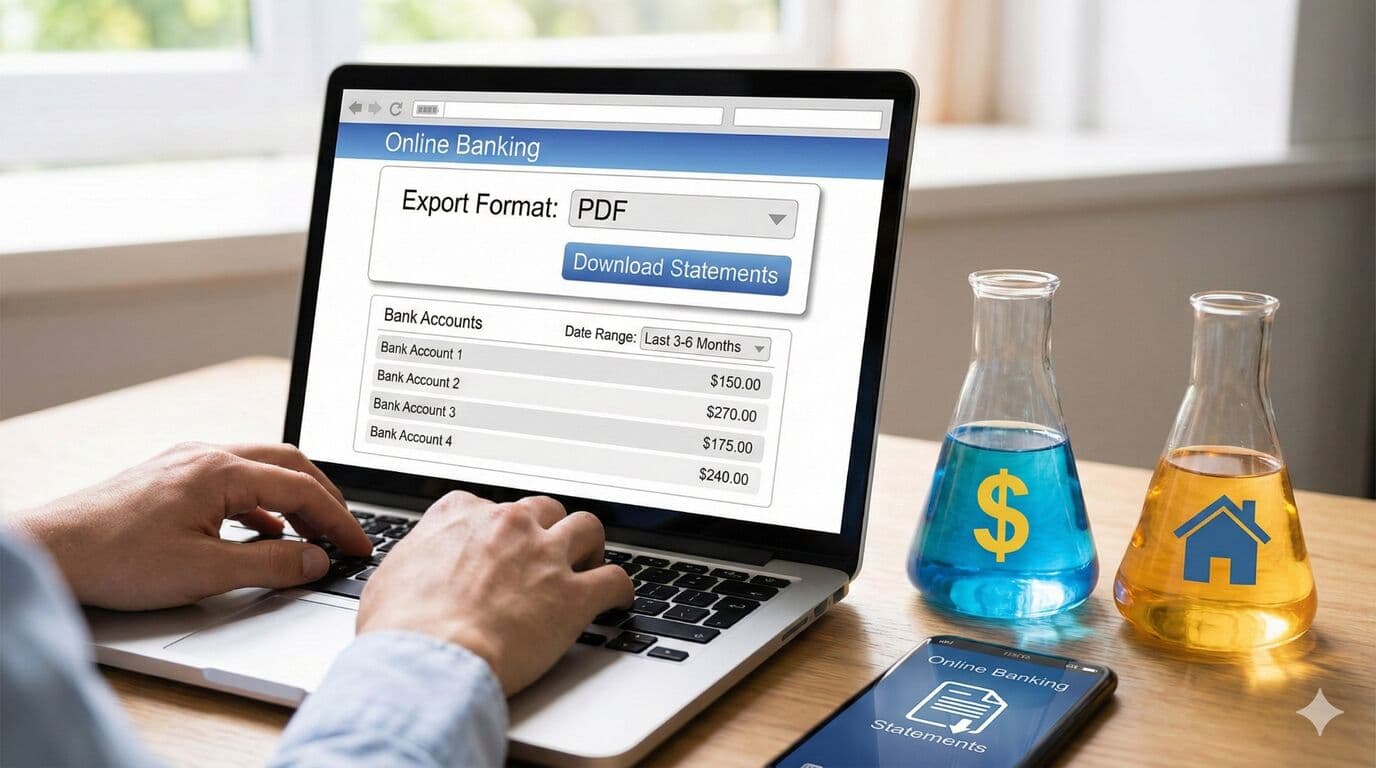
Your mortgage advisor requires bank statements for the application process. The following instructions guide you through obtaining the correct formats from major New Zealand banks.
Important: We cannot use CSV, QIF, OFX or TDV files. Please follow the steps below exactly.
ANZ Bank Instructions
Access internet banking and locate the Documents menu in the top right. Select Statements, choose your account, and download 3-6 months of statements as required by your adviser.
ASB Bank Instructions
Log into internet banking and click Documents on the left menu. Select Statements and choose the desired accounts-exporting all accounts is recommended. Scroll down to find downloadable statements and right-click to save each one to your device.
BNZ Bank Instructions
Log in, select the relevant account, click Statements, and select the statement you need. A new window opens displaying the PDF for download.
KiwiBank Instructions
Access Statement Vault after logging in. Select your account and download 3-6 months of statements (the system defaults to the last 12 months).
TSB Bank Instructions
Log in, click Statements in the left menu, select your account, and click each statement link you need.
Westpac Bank Instructions
Log in, select your desired account, choose Download Statements, select your date range, and click to download each statement.
Need Help With Your Mortgage?
Our expert advisers are here to guide you through every step of your mortgage journey. Get in touch for a free, no-obligation consultation.
Talk to an Adviser