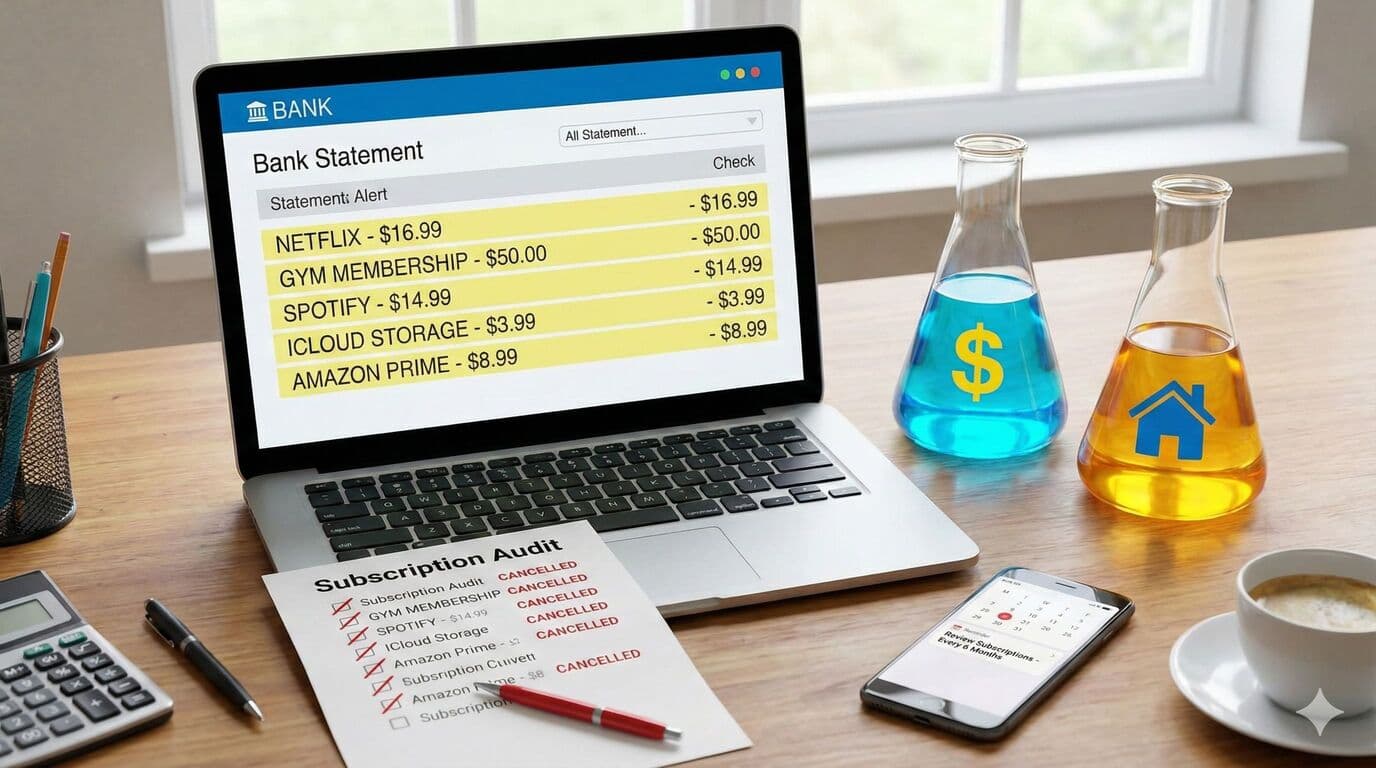
When was the last time you actually looked at what's leaving your bank account each month? If you're like most people, the answer is probably "not recently." Direct debits and automatic payments are convenient, but they have a sneaky way of adding up-especially when you're paying for things you no longer use.
This month's Small Steps action is to spend 20-30 minutes auditing your automatic payments. You might be surprised by what you find.
The Subscription Creep Problem
It starts innocently enough. You sign up for a streaming service to watch one show, or a gym membership with the best of intentions. But months later, that show is long finished, and the gym has seen you exactly twice.
Here are the most common forgotten subscriptions to look for. Streaming services like Netflix, Disney+, Spotify, Apple Music, YouTube Premium, Neon, Paramount+, and Prime Video are frequent culprits. That $50-80/month gym membership you haven't visited in weeks is another common one. Cloud storage services like iCloud, Google One, and Dropbox are often upgraded and forgotten. App subscriptions for dating apps, productivity tools, meditation apps, and gaming can add up. Digital news and magazine subscriptions you never read drain money, as does software like Adobe, Microsoft 365, or antivirus programs.
How to Do a Proper Audit
Here's a simple process to review your payments. Open your banking app and look at the last 3 months of transactions. Filter by recurring payments if your bank offers this feature. Make a list of every automatic deduction you find. For each one, ask yourself: Did I use this in the last 30 days? Will I use it in the next 30 days? Then cancel or pause anything that doesn't pass the test.
Most subscriptions can be cancelled online, though some (looking at you, gyms) may require a phone call or email.
The Real Financial Impact
Eliminating just $60 in monthly unused payments yields $720 annually. That's not pocket change-it's an extra $720 toward your house deposit each year, two additional mortgage payments, a weekend away, or a significant dent in your credit card balance. And that's just $60. Many people find they're spending $100-150 per month on subscriptions they barely use.
It's About Intentional Spending
This isn't about living like a monk or cutting out everything enjoyable. It's about making sure your money goes where you actually want it to go.
If you genuinely love Netflix and use it every week, keep it. If your gym membership motivates you to stay healthy, that's money well spent. But if you're paying for things out of habit rather than intention, that's money that could be working harder for you elsewhere.
Set a Reminder
The best time to review your subscriptions is when your income changes (new job, pay rise, or reduction), at the start of a new financial year, before applying for a mortgage (banks do look at these), or whenever you feel like your money is disappearing.
Set a calendar reminder to do this audit every 6-12 months. It takes half an hour and could save you hundreds.
Need Help With Your Mortgage?
Our expert advisers are here to guide you through every step of your mortgage journey. Get in touch for a free, no-obligation consultation.
Talk to an Adviser