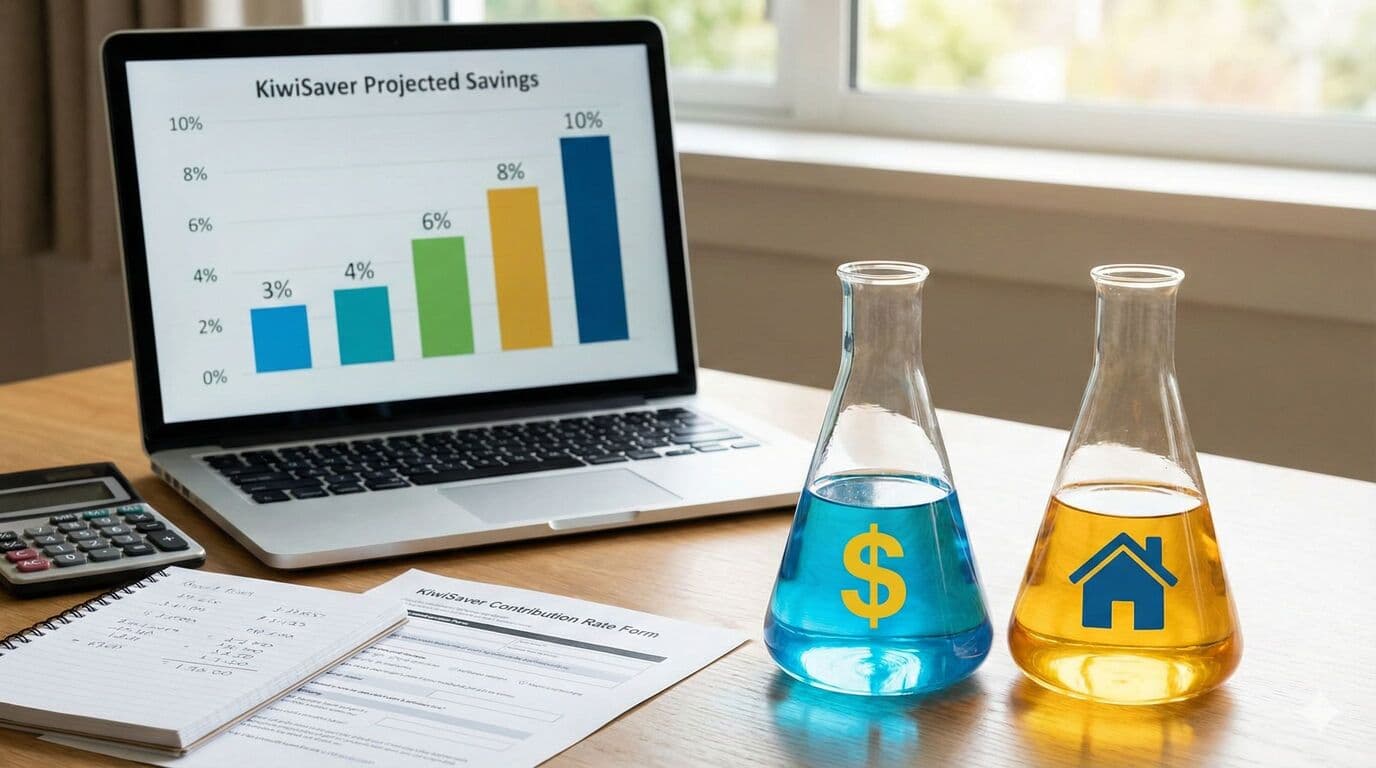
KiwiSaver contribution rates determine how much of your pay goes into your retirement savings. The default rate is now 3.5 percent (from 1 April 2026), and employees can now choose 3.5, 4, 6, 8, or 10 percent. A 3 percent temporary rate reduction may be available if the higher minimum is unaffordable. Higher rates build savings faster but reduce take-home pay. Understanding the trade-offs helps you choose the rate that balances current lifestyle and future security.
The right rate depends on your age, income, goals, and other financial commitments. There is no universally correct answer, but understanding your options enables an informed choice.
Important: Default Rates Are Increasing
The government is increasing the default KiwiSaver contribution rate in stages:
Current default: 3.5% (from 1 April 2026)
From April 2028: 4% becomes the new default
These changes apply to the default rate only. If you have actively chosen 4%, 6%, 8% or 10%, you will stay on your chosen rate unless you change it.
What this means for you:
- •If you were on the 3% default, your contributions automatically increased to 3.5% from 1 April 2026
- •Your take-home pay will reduce slightly (but the long-term benefit is significant)
- •Employer contributions also increased to 3.5% on 1 April 2026, and will rise to 4% in April 2028
- •You can apply for a temporary rate reduction to stay at 3%, but your employer may also match only 3% while that reduction applies
The rate increases mean more money going to your retirement. For someone on $70,000, the jump from 3% to 4% means an extra $700 per year into KiwiSaver, plus an extra $700 from your employer.
How Contributions Work
Employee contributions are calculated as a percentage of your gross pay and deducted through payroll. They are not a separate income-tax deduction. If you earn $70,000 annually and contribute 3.5 percent (the new default), that is $2,450 annually or about $47 per week deducted from your pay.
Employer contributions are separate and additional. Your employer must contribute at least 3.5 percent of your gross salary (from 1 April 2026) regardless of your contribution rate. Increasing your rate does not increase employer contributions unless they voluntarily choose to match higher rates.
Government contributions add to your balance too. Contributing at least $1,042.86 annually (about $87 per month) maximises the $260.72 government contribution you receive, provided you earn under $180,000. Contributions above this threshold do not attract additional government contribution.
Impact On Take-Home Pay
Higher contribution rates reduce your take-home pay, but by less than the headline rate suggests because contributions reduce your taxable income.
For someone on $70,000 annually:
At 3.5 percent (the current default), you contribute $2,450 and your take-home reduces by about $1,715 after tax savings.
At 4 percent, you contribute $2,800 and your take-home reduces by about $1,960.
At 6 percent, you contribute $4,200 and your take-home reduces by about $2,940.
At 10 percent, you contribute $7,000 and your take-home reduces by about $4,900.
The after-tax impact is roughly 70 percent of the gross contribution for those on typical incomes.
Long-Term Difference
The compounding effect of higher contributions is substantial over time. Consider someone earning $70,000 for 30 years with 5 percent investment returns.
At a 3.5 percent contribution, they accumulate approximately $265,000 from employee contributions alone, plus employer contributions and government contributions.
At 6 percent contribution, they accumulate approximately $454,000 from employee contributions.
At 10 percent contribution, they accumulate approximately $757,000 from employee contributions.
These differences represent decades of comfortable living or financial stress in retirement.
Finding The Right Rate
If you are struggling to cover essential expenses, you can apply for a temporary rate reduction to stay at 3 percent rather than the new 3.5 percent default. This preserves current cash flow while still building some retirement savings, and is better than contribution holidays or withdrawing from KiwiSaver.
If you have disposable income going to discretionary spending, increasing your contribution rate redirects money to your future self. The reduction in take-home pay may prompt spending adjustments you barely notice.
If you are approaching retirement with inadequate savings, higher rates can partially compensate for earlier years of lower saving. Though less effective than starting earlier, it still helps.
Special Considerations
First home buyers might prioritise higher contributions to boost their deposit withdrawal amount. Every dollar contributed grows and becomes available when purchasing your first home.
Self-employed people can contribute any amount they choose rather than selecting from fixed percentages. Contributing enough to claim the full government contribution is often the minimum target for voluntary contributors.
Those with debt might question whether paying down debt or increasing KiwiSaver contributions is better. Generally, paying off high-interest debt first makes mathematical sense, but KiwiSaver contributions have forced-saving benefits that help those who might otherwise not save at all.
Changing Your Rate
You can change your contribution rate at any time by notifying your employer. Use the KS2 form from IRD or whatever process your employer requires.
Changes take effect from the next pay period after your employer processes the request. There is no limit on how often you can change, though frequent changes create administrative burden.
Consider timing changes around pay rises. Increasing your contribution rate when you receive a raise means you never see the additional money in your pay, making the transition painless.
Making It Automatic
Whatever rate you choose, the automatic nature of KiwiSaver is its greatest strength. Money deducted before you see it is money you do not miss. This forced-saving mechanism builds wealth more effectively than relying on willpower to save discretionary income.
Starting higher is easier than increasing later. If you can manage on your current income minus 6 or 10 percent, choosing that rate now saves you from the psychological challenge of reducing take-home pay later.
Review your rate annually. As your income grows and financial situation evolves, what was unaffordable previously may become manageable. Gradual increases over your career accumulate into substantial retirement savings.
Need Help With Your KiwiSaver?
Our expert advisers are here to guide you through every step of your KiwiSaver journey. Get in touch for a free, no-obligation consultation.
Talk to an Adviser